
OLDER CARTS · FALLBACK ONLY
Install the MoveMyCart bridge
If a platform has no secure app connection, MoveMyCart provides a personalized ZIP. The bridge is revocable and must be removed after the migration.
Download your personalized bridge
Click Download bridge ZIP on the migration page. Do not reuse a bridge from another migration.

Upload and extract it
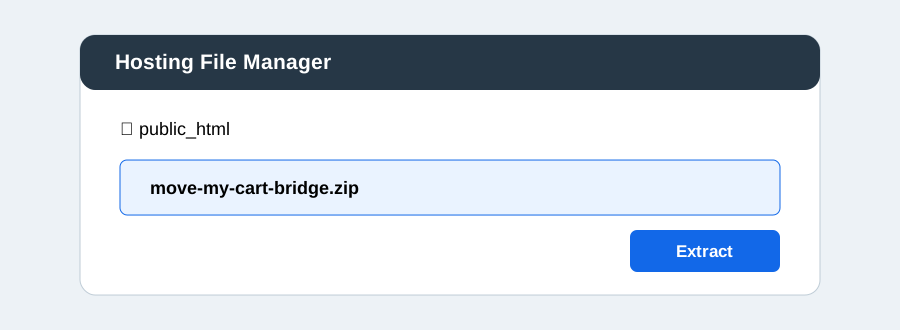
Open your hosting file manager, enter the store's public web folder, upload the ZIP, and choose Extract. A folder named movemycart-bridge appears.
Test the bridge
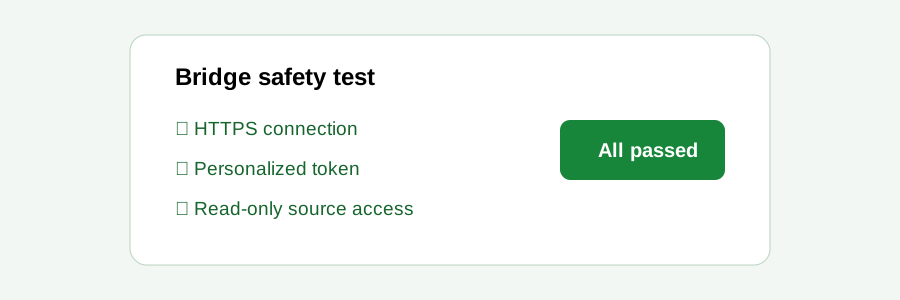
Return to MoveMyCart and click Test bridge. Do not begin a migration unless every safety check passes.
Remove it after the migration
When the migration closes, delete the entire movemycart-bridge folder. MoveMyCart will also revoke its random bridge token.
Required: Never leave a migration bridge online after credentials are deleted.